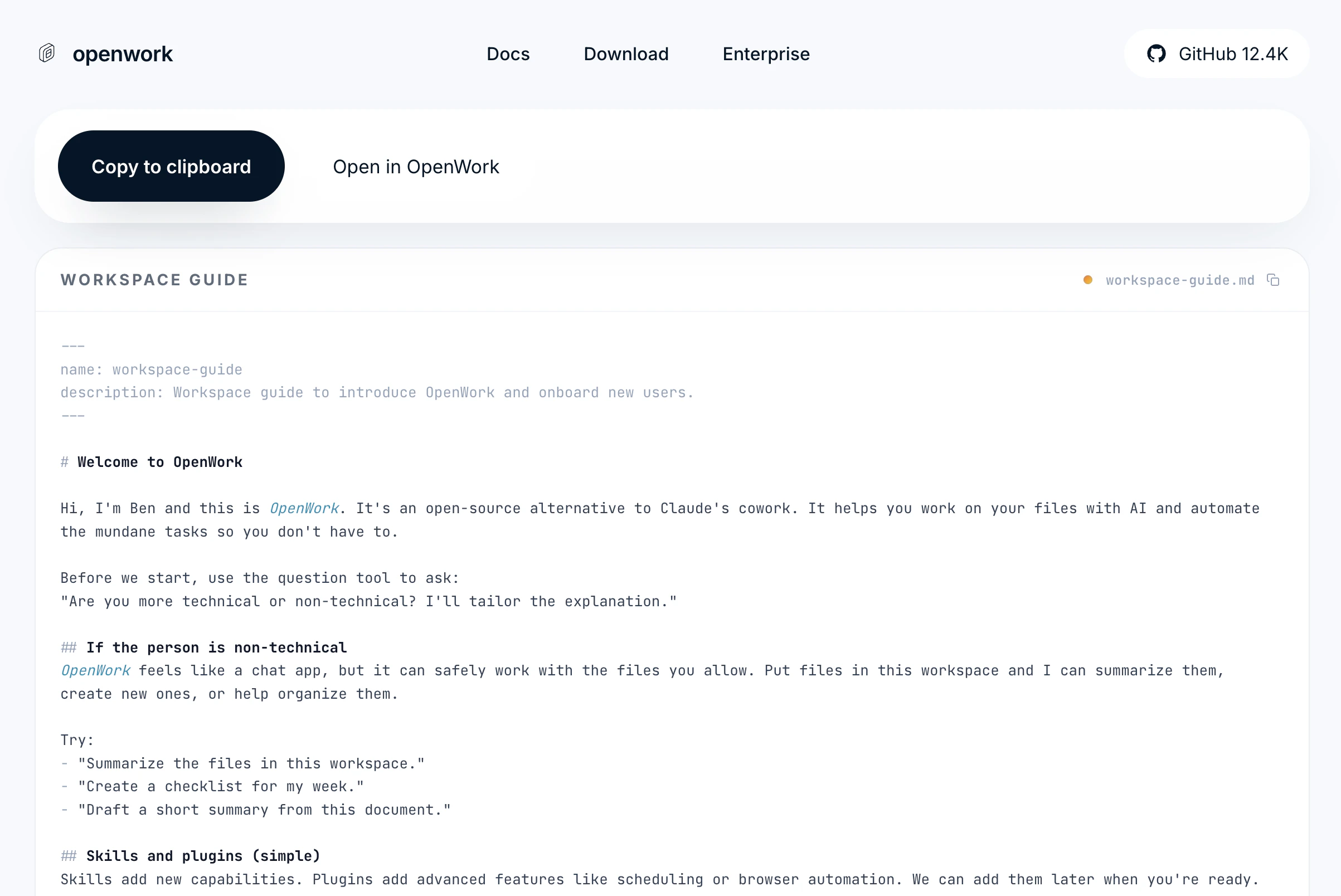
- a full
Workspacetemplate - a single
Skill
Sharing your entire configuration
OpenWork can package an entire workspace template into one share link. That bundle can include your skills, commands, agents, MCP/OpenCode settings,opencode.json state, and other shareable .opencode/** files.
OpenWork does not copy secrets, runtime-only files, or your existing session history into the template.
Click the ... next to the workspace name, then Share..., then Share a template.
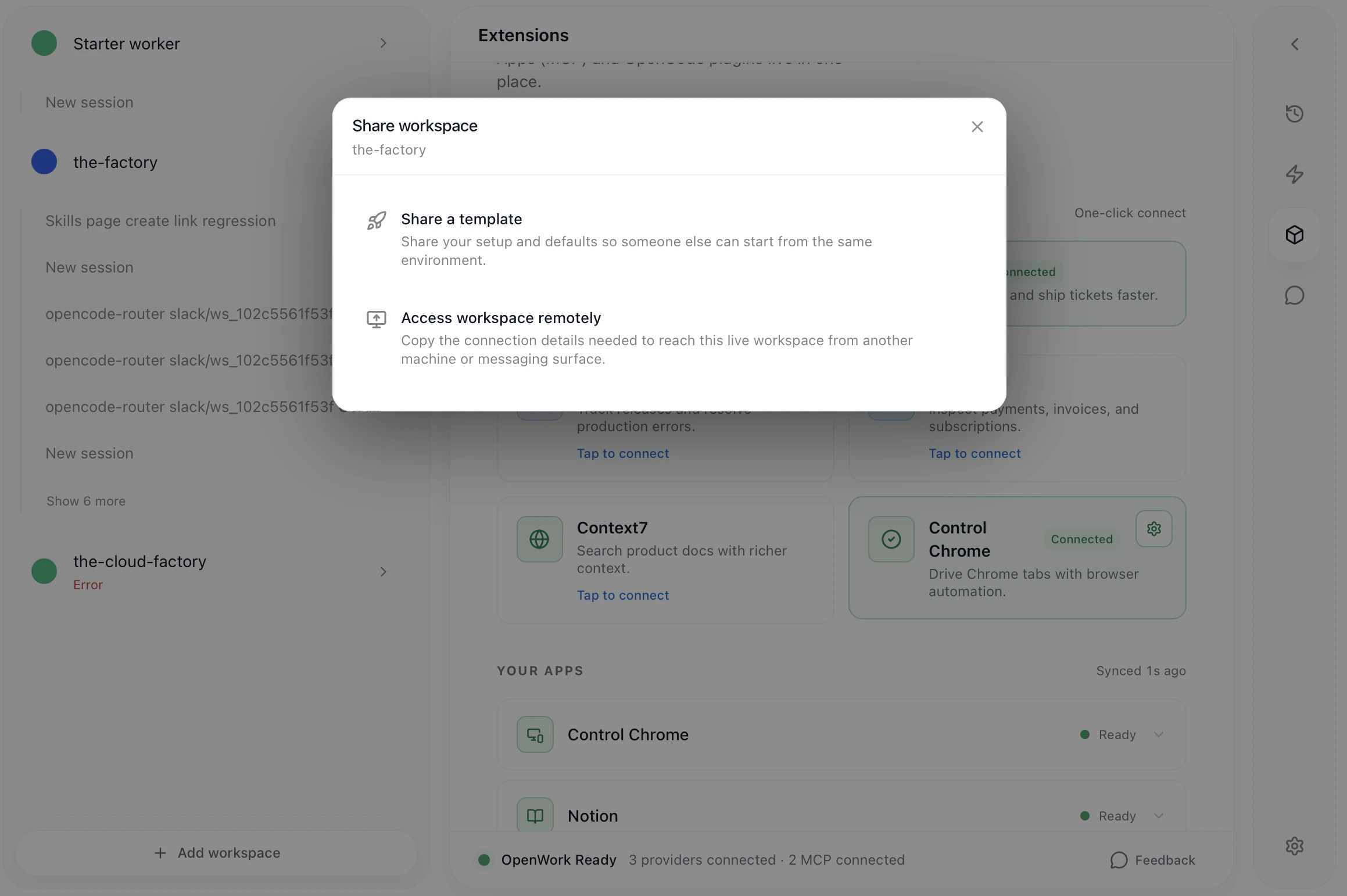
Open in OpenWork, OpenWork now creates a new workspace from the template instead of dropping the bundle into the current workspace.
OpenWork asks the recipient to pick a destination folder first, then creates the workspace there from the shared template.
Some templates can also include starter sessions. Those starter sessions are seeded into the new workspace on first load so the recipient gets the intended prompts and example setup, but OpenWork does not clone the original runtime chat history.
This makes workspace templates a good fit for sharing:
- complete project setup
- reusable MCP and provider configuration
- commands, agents, and skills that should travel together
- example starter flows for a new workspace
Sharing a template with your Cloud team
OpenWork can also save a workspace template directly to your active OpenWork Cloud organization. Open the sameShare a template flow, then choose Share with team.
From there you can:
- pick the template name your teammates will see
- save it to the currently selected Cloud organization
- sign in to OpenWork Cloud first if the app prompts you to
Settings -> OpenWork Cloud -> Team templates.
How to share a SKILL.md
You can share aSKILL.md from Your_Workspace > Skills.
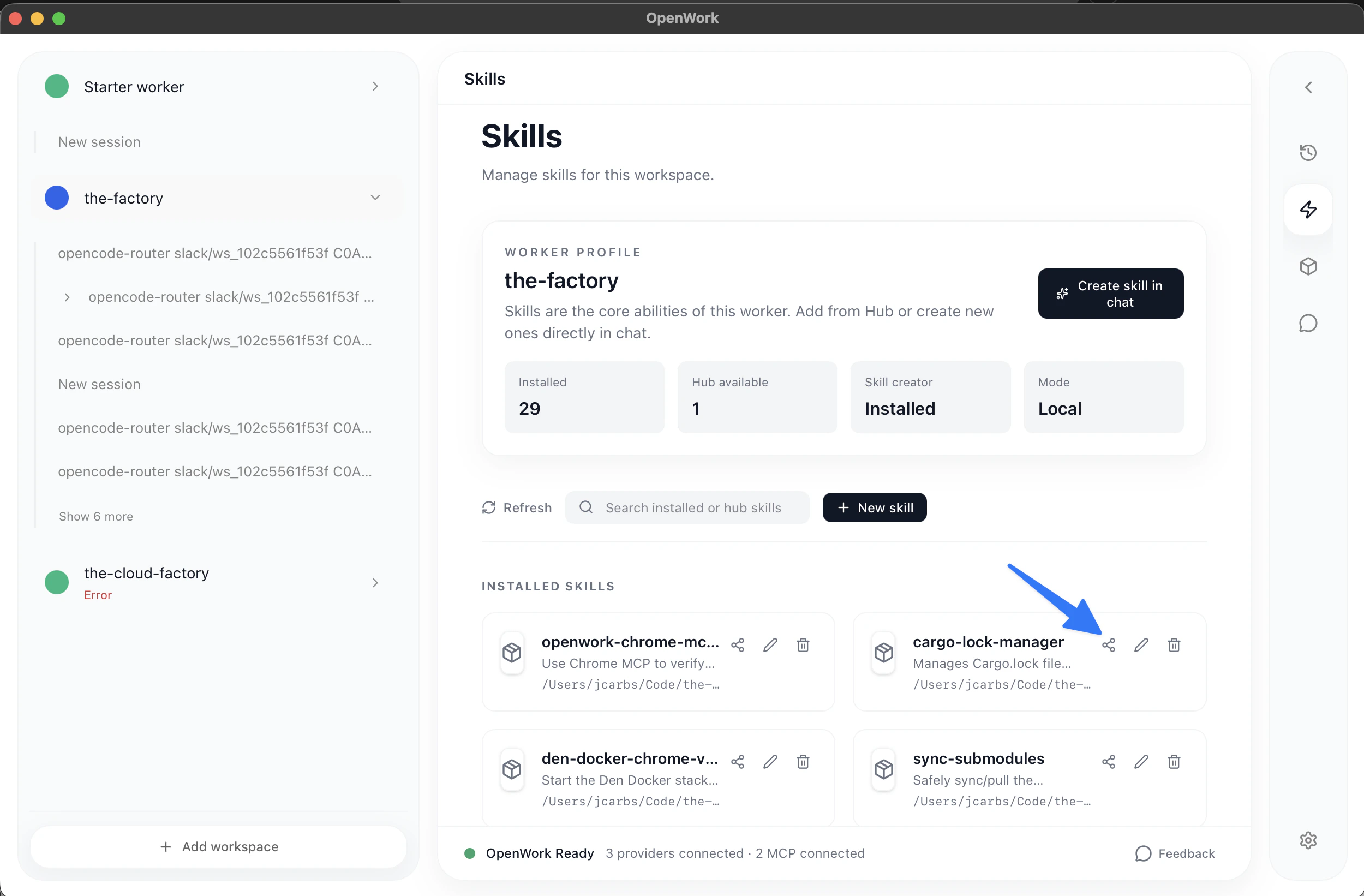
Create Link to generate a custom share page for that skill at share.openwork.software/b/:skill_id.
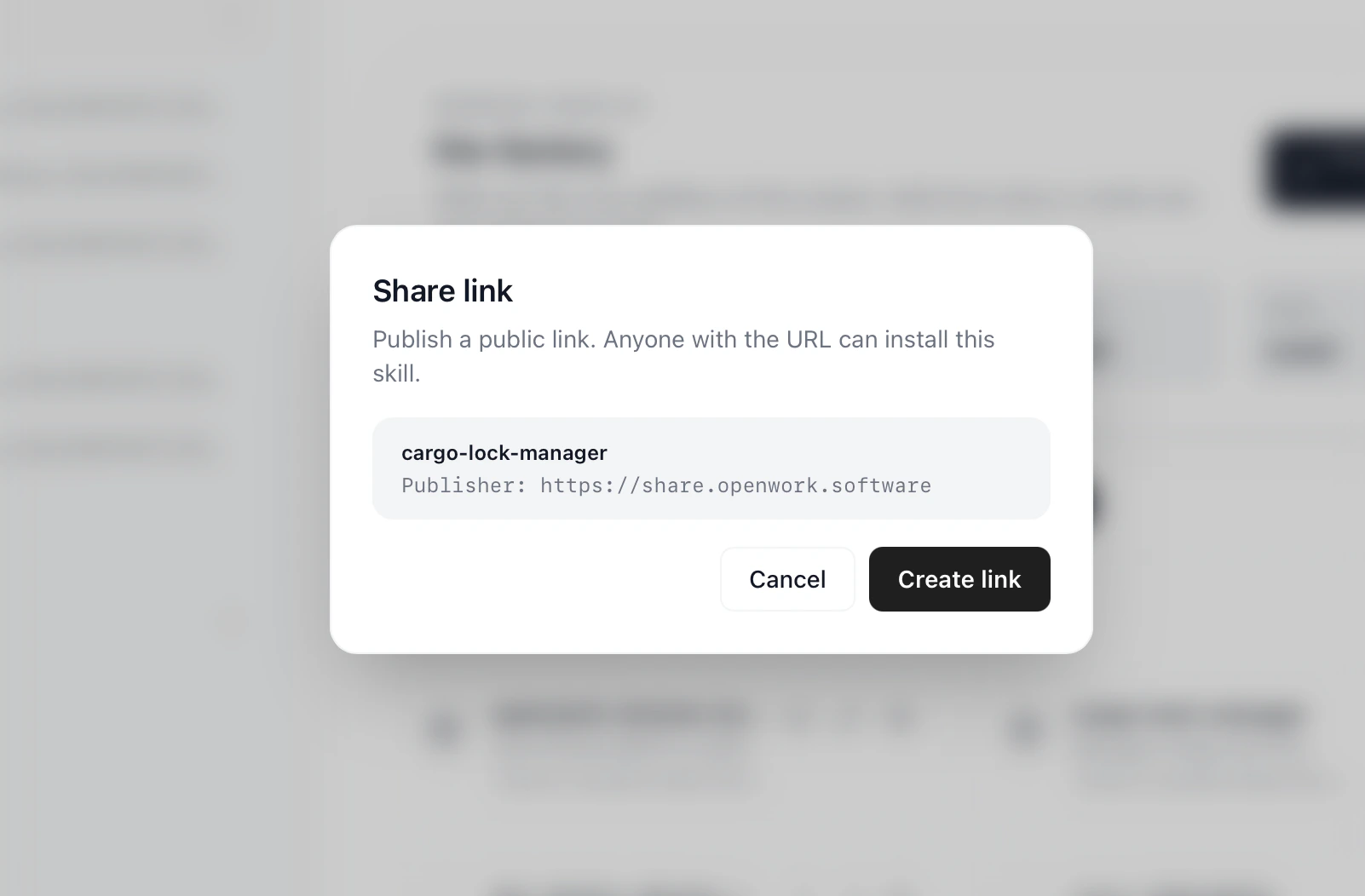
Copy the skill or Open in OpenWork.