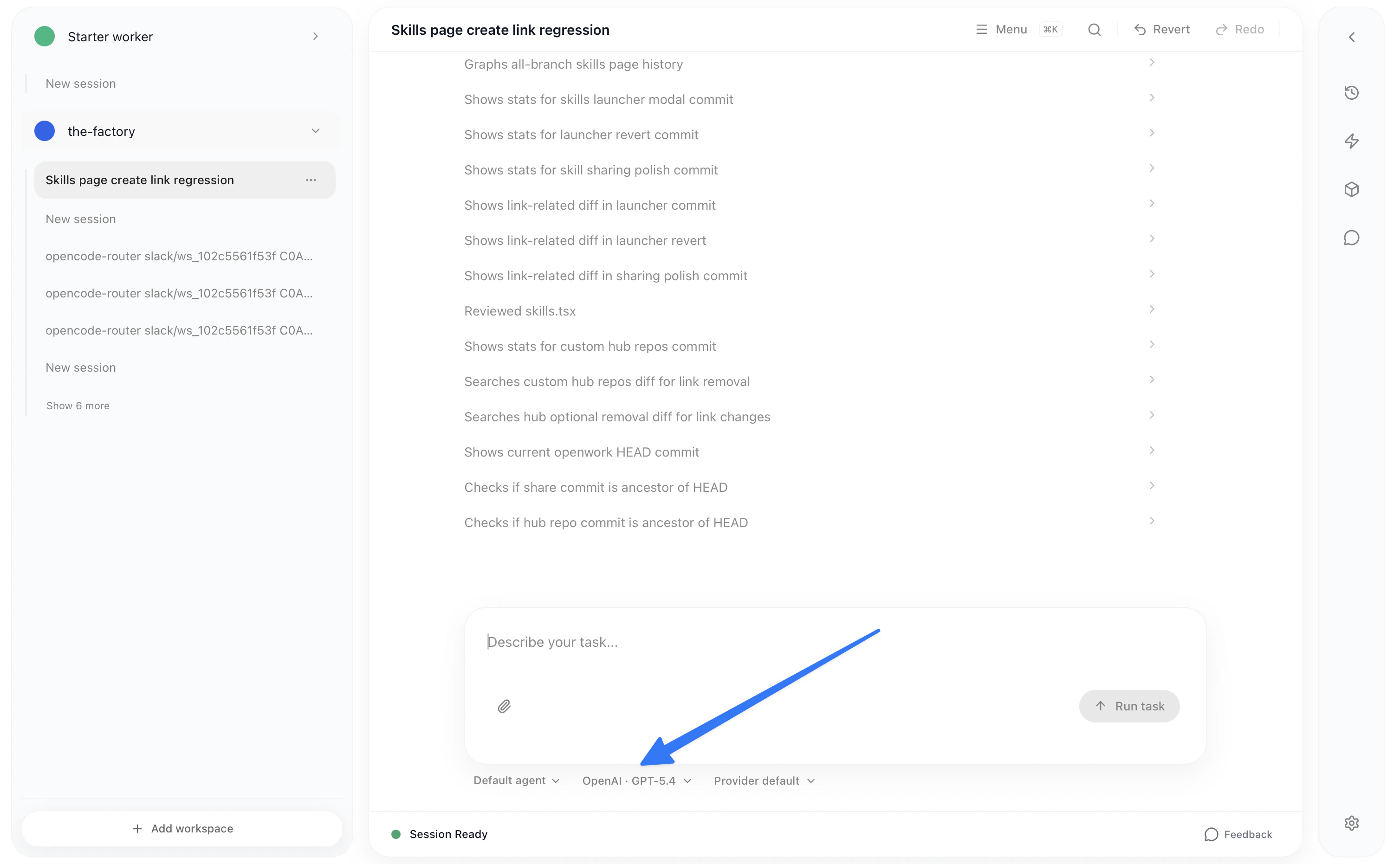
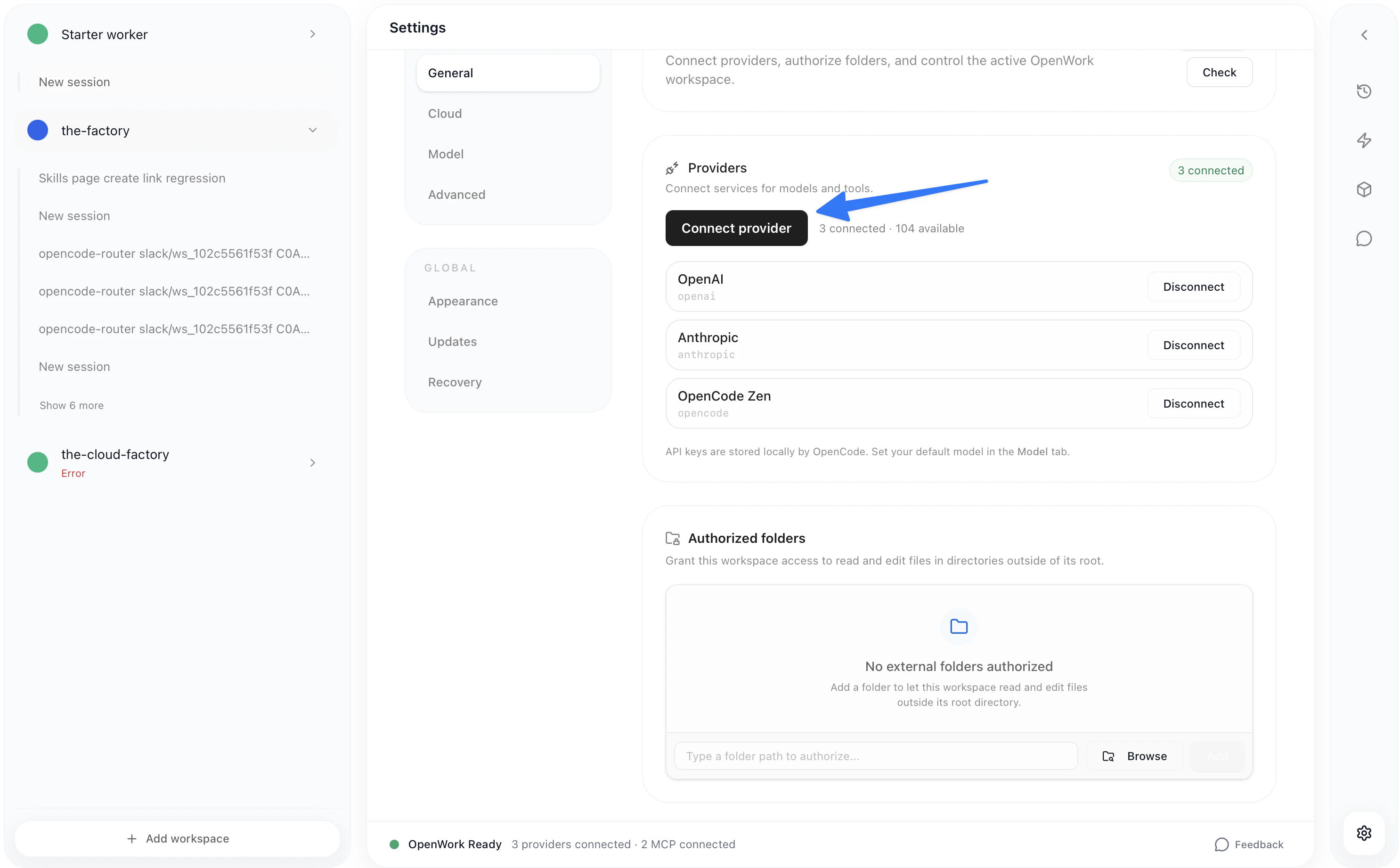
- Go to
Settings>Connect Provider>OpenAI>ChatGPT Pro/Plus
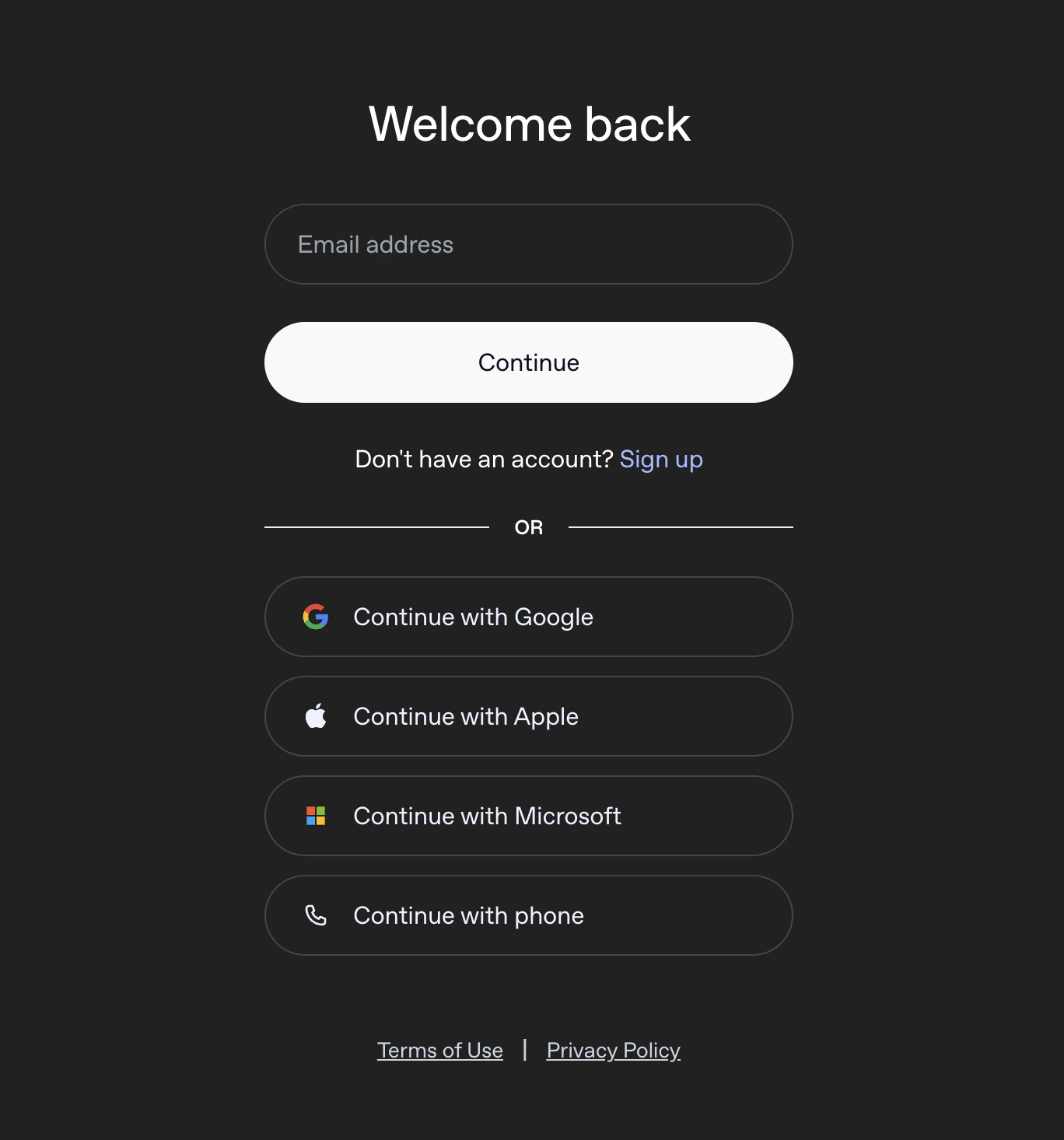
openai Auth with a valid subscription email
Settings -> Default model if you want new chats in that workspace to keep using ChatGPT by default.
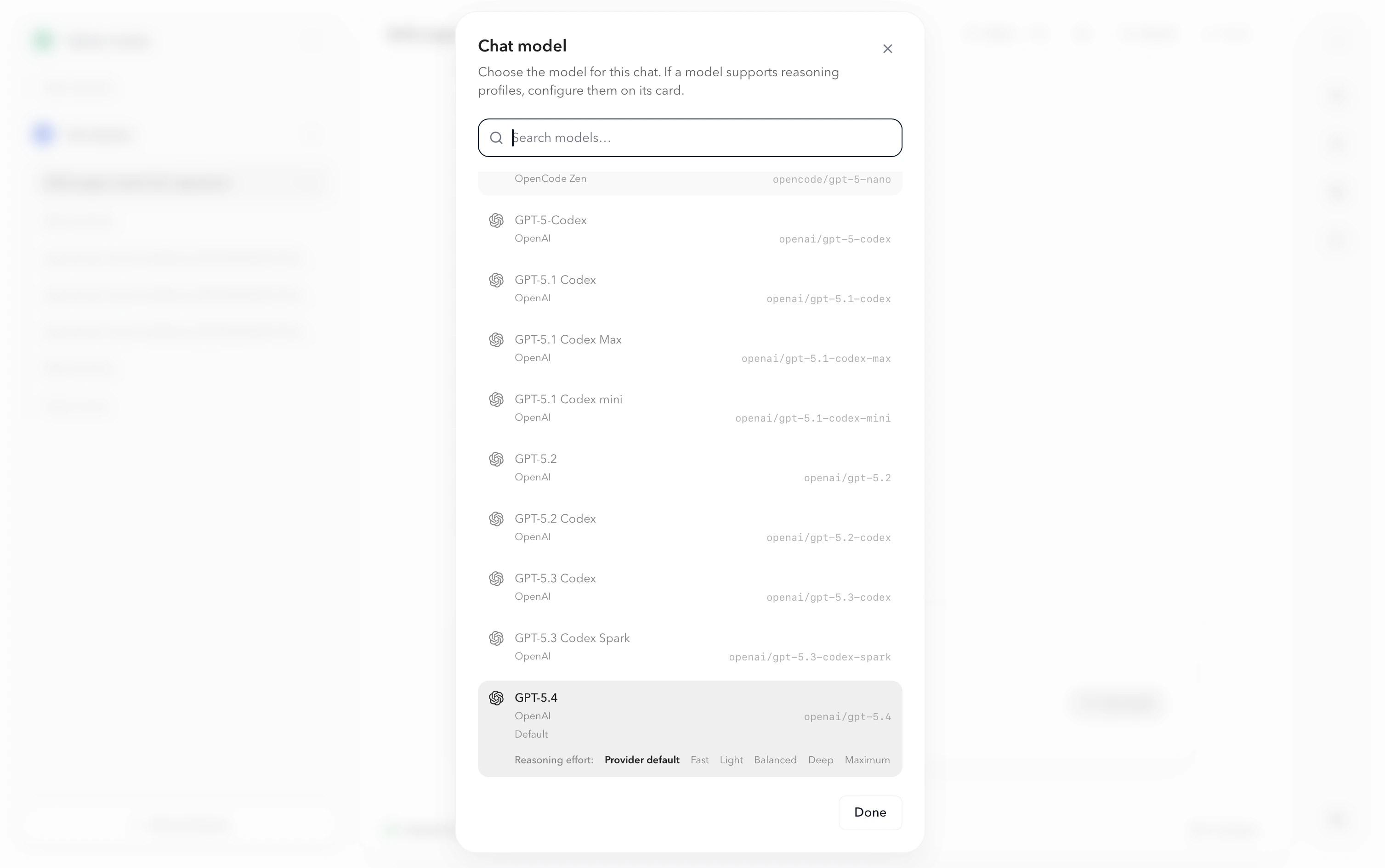
If the model supports reasoning profiles, configure that on the model card before closing the picker. OpenWork now keeps those default-model changes instead of dropping them on refresh.
You can still switch the model for a single chat from the picker in the chat view.